Solea vs Jobber: AI-native software for pest control operations
Compare Solea and Jobber across AI customer workflows, pest routing, chemical records, commercial inspections, payments and reporting.
Last updated
Solea is an end-to-end, AI-native pest control platform built to automate the back office. AI handles customer calls and scheduling, with payments, collections and AI-assisted reporting in the same platform as inspections and treatment records. The goal is to let your team focus on customer experience as the business grows.
Jobber also offers AI and automation, including an AI receptionist, automatic payments and AI-generated custom reports. For a pest control operator, the decision should turn on the complete service workflow: how the system books the visit, plans the route, captures pest-specific records and follows through to payment.
Start with your own recurring residential account and a commercial property. Ask each platform to demonstrate the same work.
Solea and Jobber at a glance
The comparison below uses documented workflows. Confirm plan availability and configuration for the setup each vendor proposes.
| Workflow | Solea | Jobber |
|---|---|---|
| Customer requests | The AI voice agent handles enabled booking, rescheduling and cancellation actions within account and scheduling rules, with configured human handoffs. | Receptionist uses Jobber AI to answer inquiries and book appointments; enabled rescheduling requires online booking. |
| Route planning | AI scheduling optimizes around shifts, required skills, customer constraints and drive times, respecting locks and the freeze window. | The new schedule’s route optimizer orders anytime visits, with controls to preserve the first or last appointment. |
| Chemical records | EPA lookup fills in product details; mix calculations and approved-product restrictions reduce repeated work around technician treatment recording. | Chemical Tracking records treatments against clients and jobs. Its help article directs users to record chemicals on Jobber.com, rather than in the mobile app. |
| Field records | Technicians scan devices and record findings, photos and products within the platform that runs AI scheduling and office automation. | Checklists provide customizable on-site data collection attached to jobs and assessments. |
| Payments | Configured auto-charge, receipts and overdue reminders automate repeated billing work within Solea’s end-to-end AI platform. | Automatic payments create and charge invoices through Jobber Payments according to the job’s billing frequency. |
| Reporting | AI-assisted reporting is part of the platform. Demonstrate your management questions against representative records. | Custom Report Builder uses Jobber AI to create reports from live data; the documented feature is on Plus and restricted to admins. |
Jobber sources: Receptionist, routing, chemical tracking, checklists, automatic payments and AI reports.
How Solea is different
Jobber offers AI reception, AI reporting and chemical tracking. Solea’s distinction is organizing the end-to-end platform around pest control operations, with AI across calls, scheduling, payments, collections and reporting connected to the technician’s service records. It is built for companies with 5+ technicians, from mid-market through enterprise, that want routine office work automated around their pest service mix.
Solea’s AI-native approach spans the back office. An enabled customer request can move through the voice agent into scheduling. AI route planning prepares work within your rules. Technicians record the visit, configured payments and reminders handle follow-up, and AI-assisted reporting supports management review.
For a growing pest control business, the value is the administrative work that no longer needs repeated staff attention. Measure that across the full account journey, including the exceptions that need a person.
Jobber’s documented AI tools belong in that evaluation too. Have both vendors show what triggers each action, what the platform completes and what staff review. Explore Solea’s AI-native field service platform.
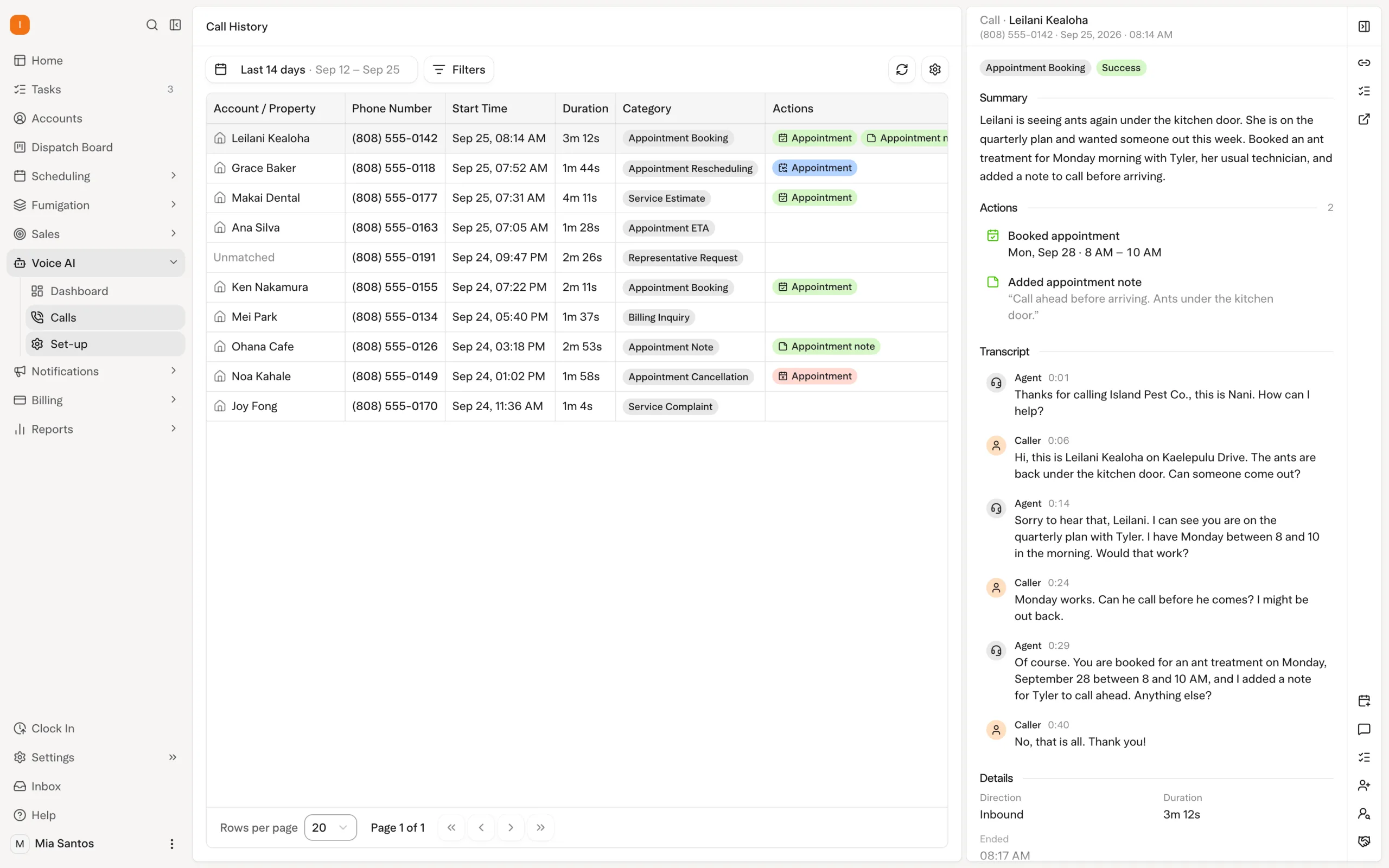
Compare scheduling rules using your pest routes
Bring a real week of recurring work, technician skills and customer constraints. Include visits that need to remain fixed.
Solea’s overnight optimization runs at 3 a.m. office time and can look up to 45 days ahead. Locks and the freeze window constrain what can move. A dry run lets the office inspect an optimization before starting a separate live run.
Jobber’s new-schedule documentation describes optimizing anytime visits, which have no scheduled start or end time, across up to seven days per run. Demonstrate how your mix of flexible visits and confirmed appointments will work in the proposed setup.
Compare the resulting schedule and the office effort required to prepare it. Then test an appointment request through the AI customer workflow. Explore Solea AI scheduling.
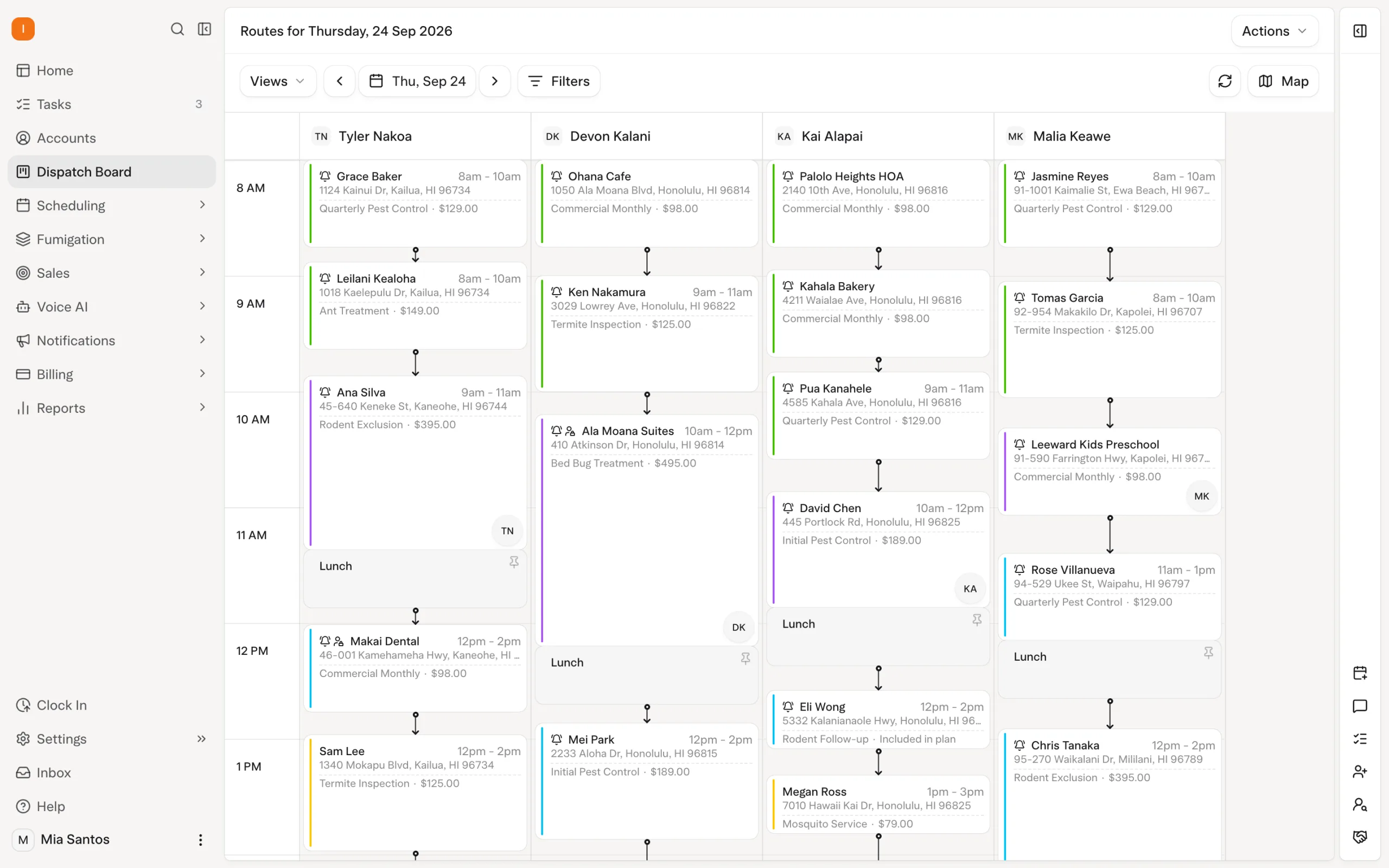
Put treatment recording into the field demonstration
A pest-control demo should show where the technician records an application and how that information reaches the customer record.
In Solea, EPA registration lookup fills in the trade name, manufacturer and active ingredients. Technicians can enter total mix and see the concentrate-and-water breakdown, with a warning if dilution differs from the product’s expected rate. Approved product lists at a property or zone can restrict which products may be recorded.
These tools reduce entry and calculation work around the visit, within the same platform as AI customer communication and route planning. Product records saved with device inspections can sync after signal returns; completing the appointment requires a connection.
Jobber does document chemical tracking. Its currently published help article says chemical entry takes place on Jobber.com rather than in the mobile app. Ask for a live demonstration of your technician workflow and confirm whether that documented limitation still applies to your setup.
Explore Solea chemical tracking.
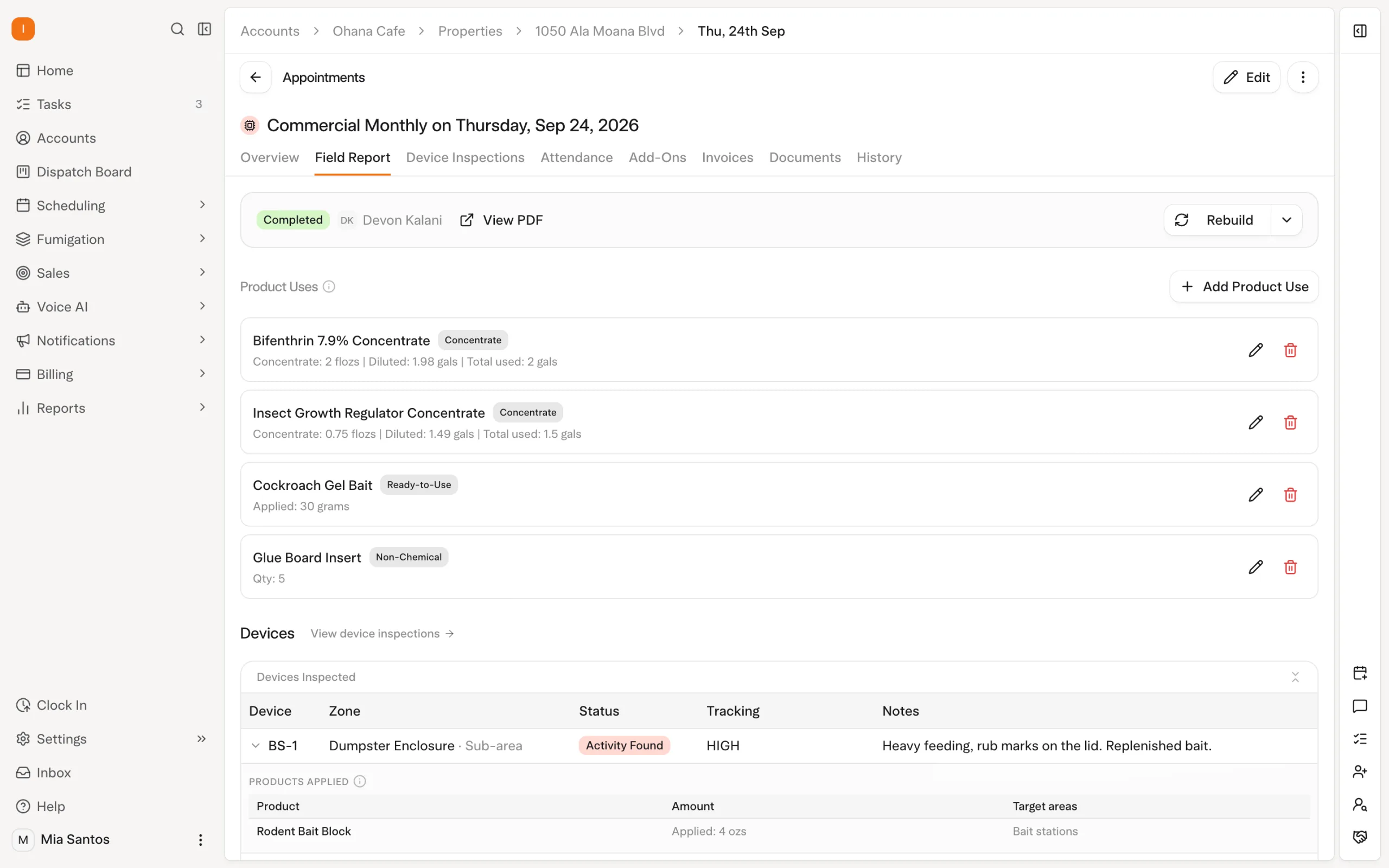
Test commercial work beyond a checklist
Bring a property with a device program, along with the report its customer expects. In Solea, technicians can scan devices and record activity, photos and products; a device left uninspected needs a reason before the visit closes.
Jobber’s checklists provide configurable on-site data collection. To establish fit for your commercial work, demonstrate how device identity, inspection history and treatment details will be recorded and retrieved. Do not infer support or absence from the checklist label alone.
| Scenario | What to demonstrate |
|---|---|
| A recurring residential visit | Follow the appointment through AI call handling, routing, service recording and payment. |
| A commercial device inspection | Identify the device, record findings and retrieve the relevant history. |
| A treatment at a restricted property | Show product selection, application details and the controls your team needs. |
| A customer needs a WDO document | Complete the actual required form using a representative job. |
| An account needs payment follow-up | Show the configured automation and where staff handle an exception. |
Review Solea’s inspection workflows.
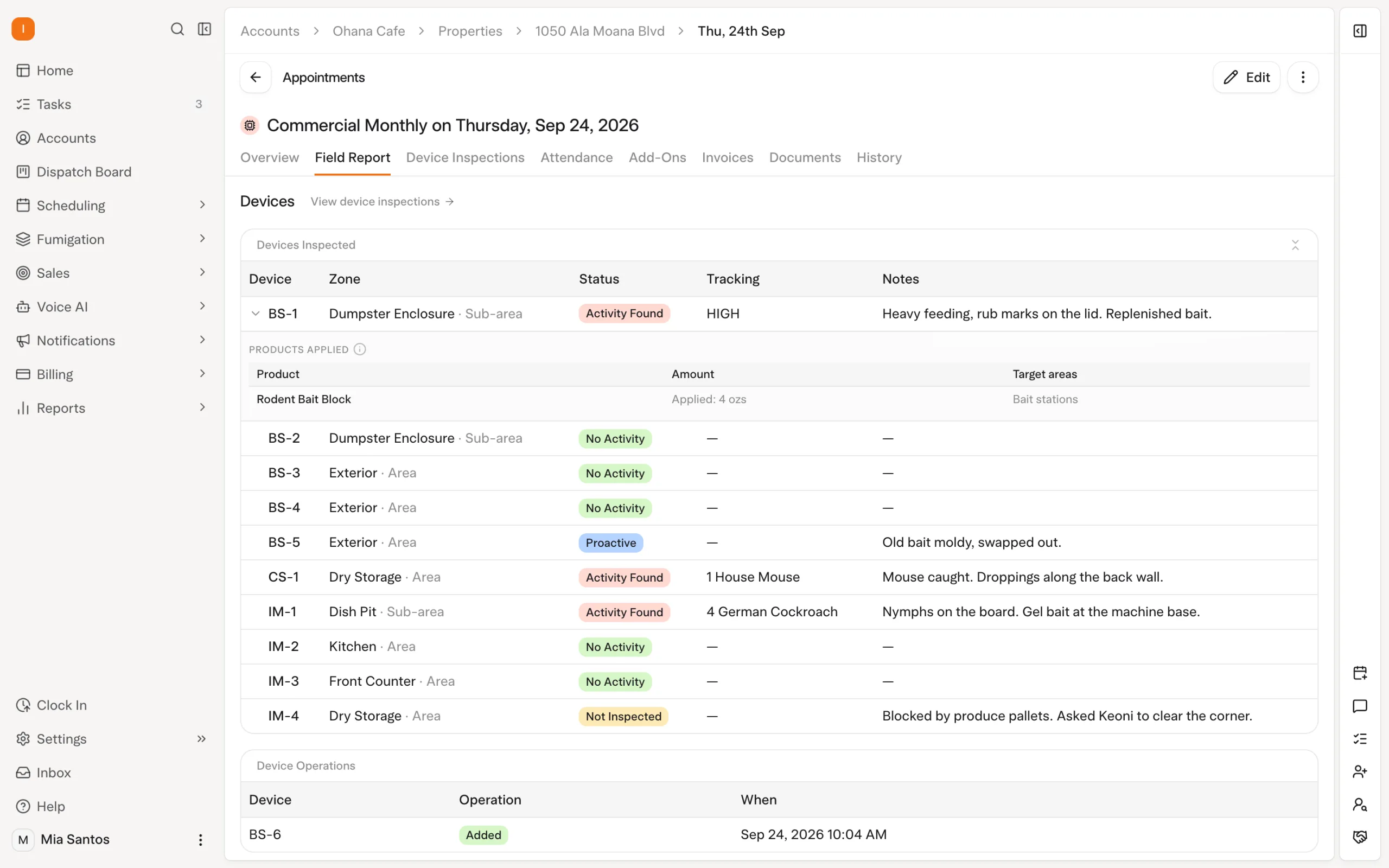
Include reporting and the complete cost
Solea’s AI-assisted reporting belongs in the evaluation alongside calls, schedules and payments. Bring an operational question and ask to see the available workflow against relevant records. Jobber’s help center documents AI custom reports, so use the same question and check plan access, output and the underlying data in each demonstration.
Then compare quotes for the full setup: users or technicians, required AI workflows, implementation and processing terms. Avoid treating a base subscription as the complete cost of the demonstrated operation. Request Solea pricing against your requirements.
Solea serves mid-market and enterprise pest control operators, including teams with 5–50 technicians. If your company also runs other trades, demonstrate those workflows explicitly on both platforms before deciding on a company-wide replacement.
Use the migration checklist to scope records, saved payments and training after product fit is established. Bring the same sample accounts to a Solea walkthrough.
Frequently asked questions
- How do Solea and Jobber compare for pest control?
- Solea combines pest-specific field workflows with AI across customer calls, scheduling, payments, collections and reporting. Jobber also documents AI reception, payment automation, reporting and chemical tracking. Compare the complete customer journey and the detailed field records your pest operation requires, including configuration and staff effort.
- Does Jobber have AI?
- Yes. Jobber’s help center documents Receptionist for customer inquiries and bookings, plus AI-generated custom reports. Availability depends on the feature and plan. Include those tools in the same workflow demonstration you use for Solea, rather than assuming AI is exclusive to one platform.
- What makes Solea relevant to a growing pest operator?
- Solea’s end-to-end AI positioning centers on taking repeated office work off the team’s plate while supporting pest-specific inspections and treatment records. It serves mid-market and enterprise operators, including teams with 5–50 technicians. Confirm fit against your service mix, commercial complexity and customer requirements.
- Does Jobber track chemicals?
- Yes. Its Chemical Tracking help article documents client and job treatment records, chemical details and application reporting. The article says chemical entry is on Jobber.com rather than in the mobile app. Confirm the current workflow on a demo using the records your technicians need to capture.
- How should we compare commercial inspections?
- Use a real property and the report its customer expects. Demonstrate device identification, findings, treatment records and historical retrieval. Solea documents device inspections; Jobber documents customizable checklists. Establish the exact workflow in each system rather than treating those labels as equivalent coverage.
- Do both platforms automate payments?
- Yes. Solea offers configured auto-charge, receipt and overdue-reminder workflows. Jobber documents automatic invoices and saved-payment charges through Jobber Payments according to billing frequency. Test the intended configuration on the same account, including payment exceptions and follow-up responsibilities.
- Can Solea replace software across all our trades?
- Confirm every service line in the evaluation. Solea’s documented pest workflows do not establish coverage for every non-pest trade your company may operate. Bring representative jobs, reporting requirements and billing arrangements for each service before agreeing on a full replacement.
- How should we compare pricing?
- Ask for the full configuration needed to deliver the demonstrated workflows, including users, AI capabilities, implementation and payment-processing terms. Consider the staff work each setup automates alongside its cost. Request Solea pricing against your crew size, service mix and requirements.


 Overnight