Work where there’s no signal
The day’s schedule stays readable offline, and device inspections save on the phone and sync when signal returns.
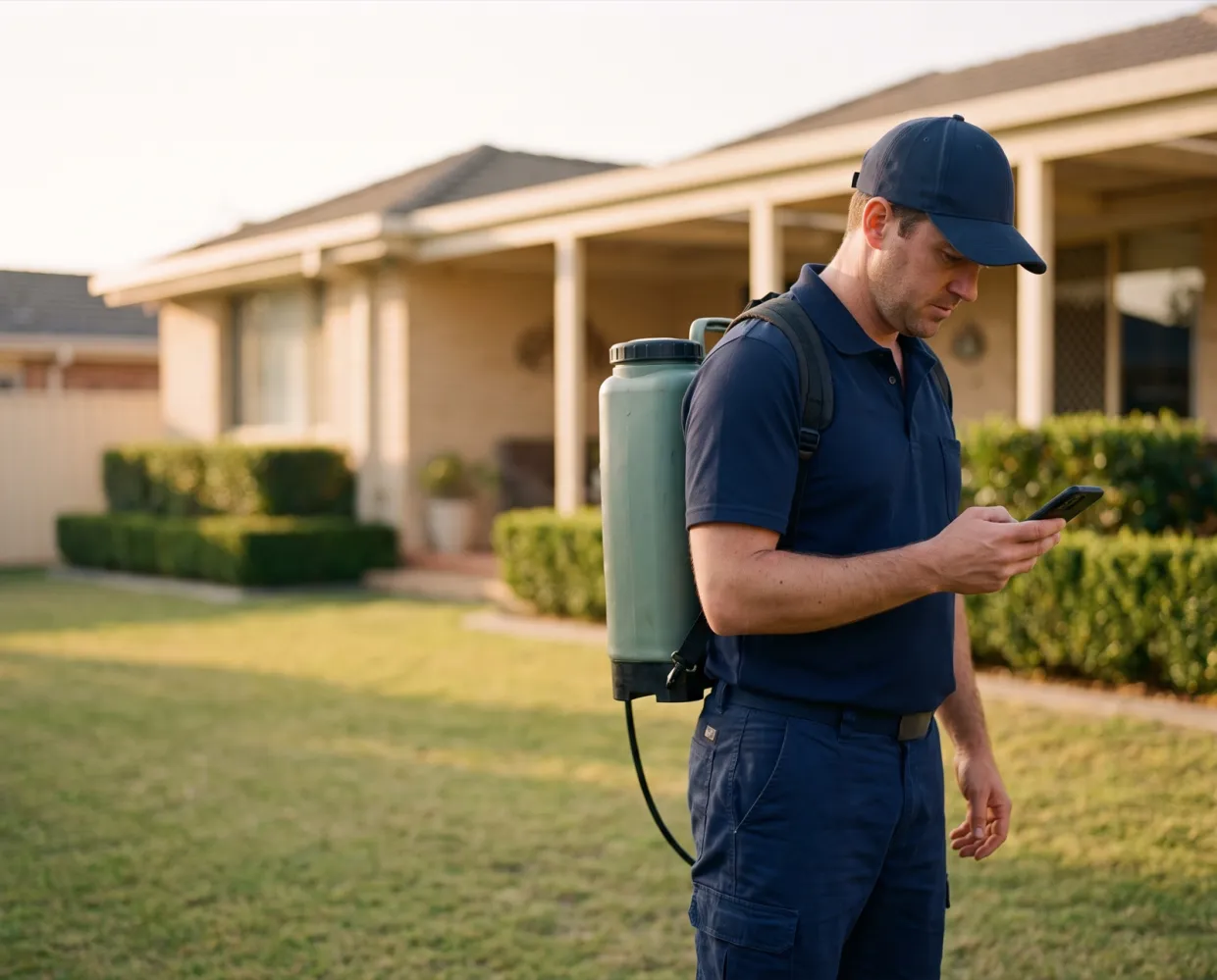
Today’s route, call-ahead notes, device scans, product records, signatures and payment in one app. The schedule and inspections keep working with no signal, then sync.
 Showing cached data, synced when signal returns



What it handles
The day’s schedule stays readable offline, and device inspections save on the phone and sync when signal returns.
Call-ahead flags, notes, preferences, plan details and contact numbers sit on every appointment.
Products, recommendations, inspection photos and the client’s signature go straight into the field report, plus the service questions your office chooses to show.
Charge the card or bank account on file, take Tap to Pay on the phone, take cash or check at checkout, or bill later.
How it works
Clock in, see today’s route, open directions in Apple Maps or Google Maps, and text ‘On my way’.
Check in, scan devices, record products and findings, add photos, and answer the service questions your office set.
Collect the signature and payment. The field report emails to the customer, and the office sees everything on the account.
The office decides what techs can change in the field, like price or service type, and every field report lands on the account where the office can review it.
What’s included
Schedule stays readable offline; inspections and new devices save on the phone, then sync.
Scan a station, confirm it’s the right device, then log activity and bait use.
Pick the product and enter the total mix used. The app shows the concentrate and water split and flags a mix that’s off the expected rate.
Captured at checkout, or marked unavailable when nobody is there to sign.
Card or bank on file, a new card, Tap to Pay where you turn it on, or cash and check.
Create office tasks from the stop and send ‘On my way’ or ‘I’m delayed’.
Results
One system
Every part of Solea works from the same live customer record, so nothing is typed twice.
Device scans and findings flow into the field report.
Learn moreProduct entries carry EPA numbers onto every report.
Learn moreThe tech’s agenda is the route the board built.
Learn moreSwitching
Your history comes with you, your office practices on a working account first, and a named person stays with you from start to finish.
Talk to us about switching
“I’ve been through four major migrations in my career, and nobody’s done a migration like Solea.”
FAQ
You’ll talk to people who know how a pest control office actually runs.
Talk to usFor the work done in dead zones, yes. Today’s schedule and appointment details stay readable, and device inspections, including new devices, save on the phone and sync when signal returns. Checkout, signatures and payments need a connection.
iPhone and Android phones. Tap to Pay needs a phone rather than a tablet, and works where your office turns it on.
Call-ahead flags show on the agenda, and each appointment carries customer notes, preferences, plan details, past visits and contact numbers, so techs don’t call the office to ask.
Products and device inspections are recorded in the app during the visit. Both print on the field report, with EPA registration numbers, device summaries and photos.
Techs get an eight-step walkthrough, from opening the agenda to sending the field report, with a short video for each step. Your team also practices on a working account before go-live, with a named person supporting the switch.


See a tech’s day from clock-in to checkout, including a stop with no signal.
OvernightSun 6 PM to Mon 7 AM