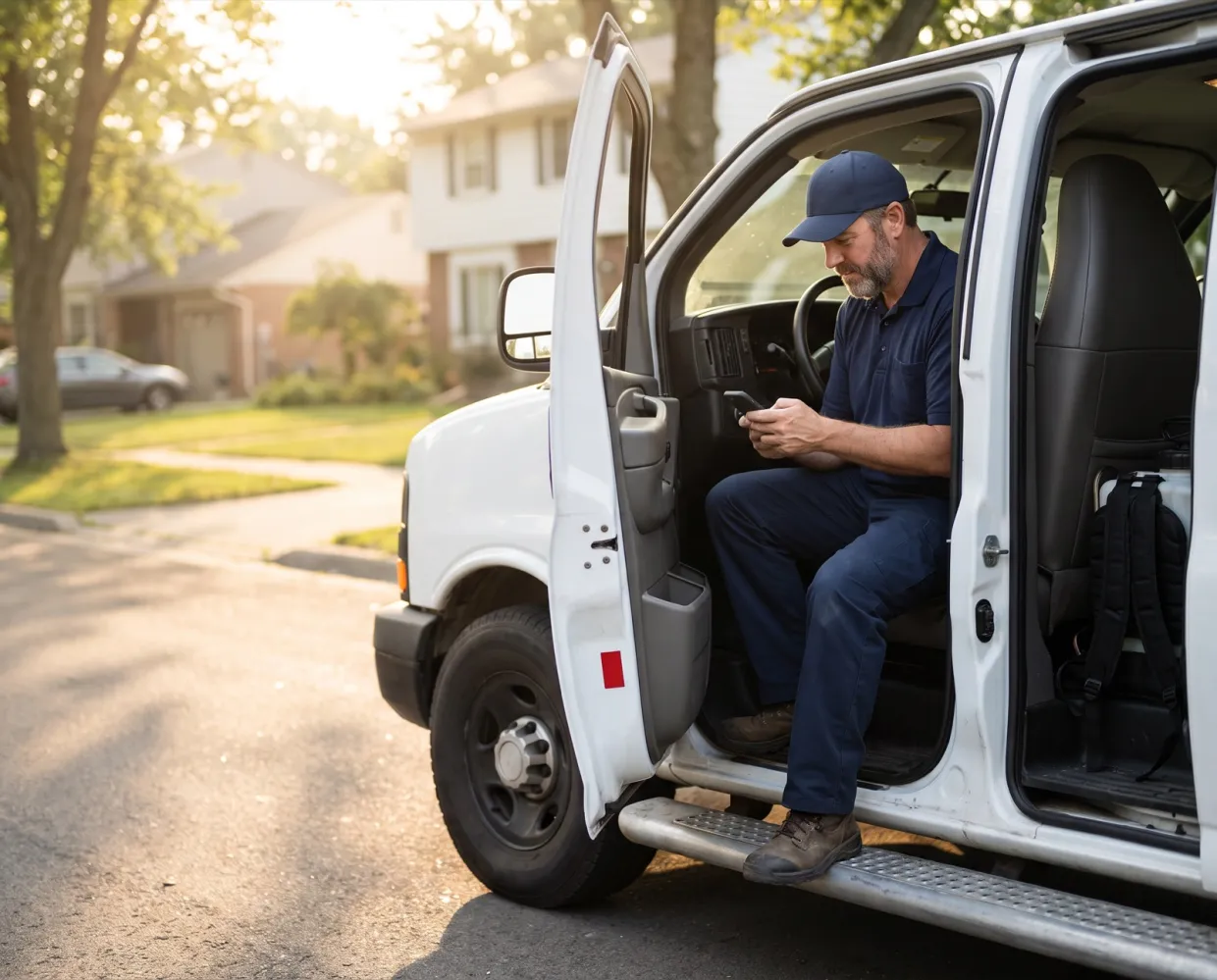
“I call the office for gate codes and call-aheads.”
Every call waits on someone at a desk, and a missed call-ahead means a locked gate and a stop pushed to another day.
Your route, call-ahead notes and past visits are on your phone. Scan stations, log products, and get the signature and payment at the stop, so there's nothing to type tonight.
 Get directions · Notify customer · Check-in



The job today
Every call waits on someone at a desk, and a missed call-ahead means a locked gate and a stop pushed to another day.
Chemical entries, photos and notes get retyped after hours, and whatever gets missed turns up at audit time.
You ask questions the customer already answered, and miss the spot the last visit flagged.
What changes
Field mobile app
The next stop opens with its call-ahead flag and the office's note. Past visits with their field reports, preferences, plan details and phone numbers are one tap away.
Inspections & compliance
Scan each device's barcode to confirm it's the right one, then log activity, pests, bait and a photo. Inspections save with no signal and sync when you're back in coverage.
Chemical & EPA tracking
Pick the product from your office's list and enter the total mix. The app shows the concentrate and water split, warns on an off-rate mix, and puts the EPA number on the report.
A day with Solea
Clock in on your phone. The agenda jumps to your first stop with the address, arrival window, office note and any call-ahead flag.
Tap Notify customer to send 'On my way' with an ETA, then open directions in Apple Maps or Google Maps.
Check in from the van, then scan each station and log what you found. Inspections save on the phone and sync once you're back in coverage.
Create a task for the office from the appointment, with a priority and due date. It lands on their list without a phone call.
Answer the service questions, get the signature, complete the visit and take payment. The field report goes to the customer.
What you see on the property and what you tell the customer. Your findings, recommendations and comments go on the report in your words. The office sets the rules, like who can change a price.
Results
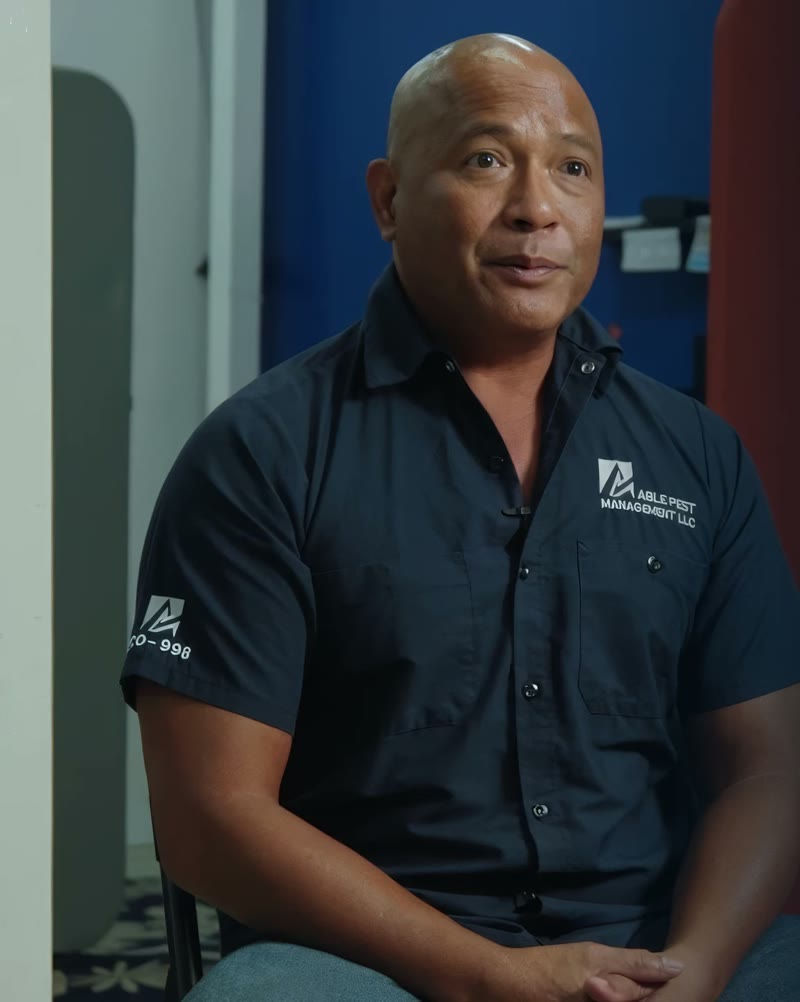
“Our production numbers have gone up, and our travel time has come down.”
The rest of the office
Every role works from the same live customer record, so nothing gets typed twice or lost between desks.
Grow without adding office staff
See the pageOne system the whole office runs on
See the pageRoutine calls handled; you take the rest
See the pageRoutes build themselves around drive time
See the pageProposals and contracts signed on the spot
See the pagePayments and past-dues that chase themselves
See the pageFAQ
You’ll talk to people who know how a pest control office actually runs.
Talk to usPartly, and here's exactly which part. Today's schedule and appointment details stay readable, and device inspections, including new devices, save on the phone and sync when signal returns. Check-in, checkout, signatures and payments need a connection, so check in before you walk into a dead zone.
A lot less. Call-ahead flags, appointment and customer notes, past visits with their field reports, plan details and every phone number on file are on the appointment. For anything else, create a task for the office right from the stop.
Yes, if your office turns on mobile payments. On autopay accounts you tap Use payment on file. Otherwise, charge a saved card or bank account, add a new one, take Tap to Pay on your phone where the office turns it on, record cash or a check, or choose Bill Later. Payments need a signal.
Not proposals. Those are built in the office app. Where your office allows it, you can change a visit's service type and price, and you can create a task so the office or a sales rep follows up, like a customer asking about termites.
The day opens on your next stop with three large buttons: Get directions, Notify customer and Check-in. Your office can load comment templates per service, so you pick instead of type. A short walkthrough with a video for each step covers the whole visit.


See a tech's day from clock-in to checkout, including a stop with no signal.
OvernightSun 6 PM to Mon 7 AM