Scan and log every device
Barcode scans confirm the right station; techs record activity, consumption, captures, and damaged or inaccessible devices.
Techs scan every station, log activity and products per device, and Solea builds the field report with device summaries, photos and signatures. Commercial clients can check history in the portal.
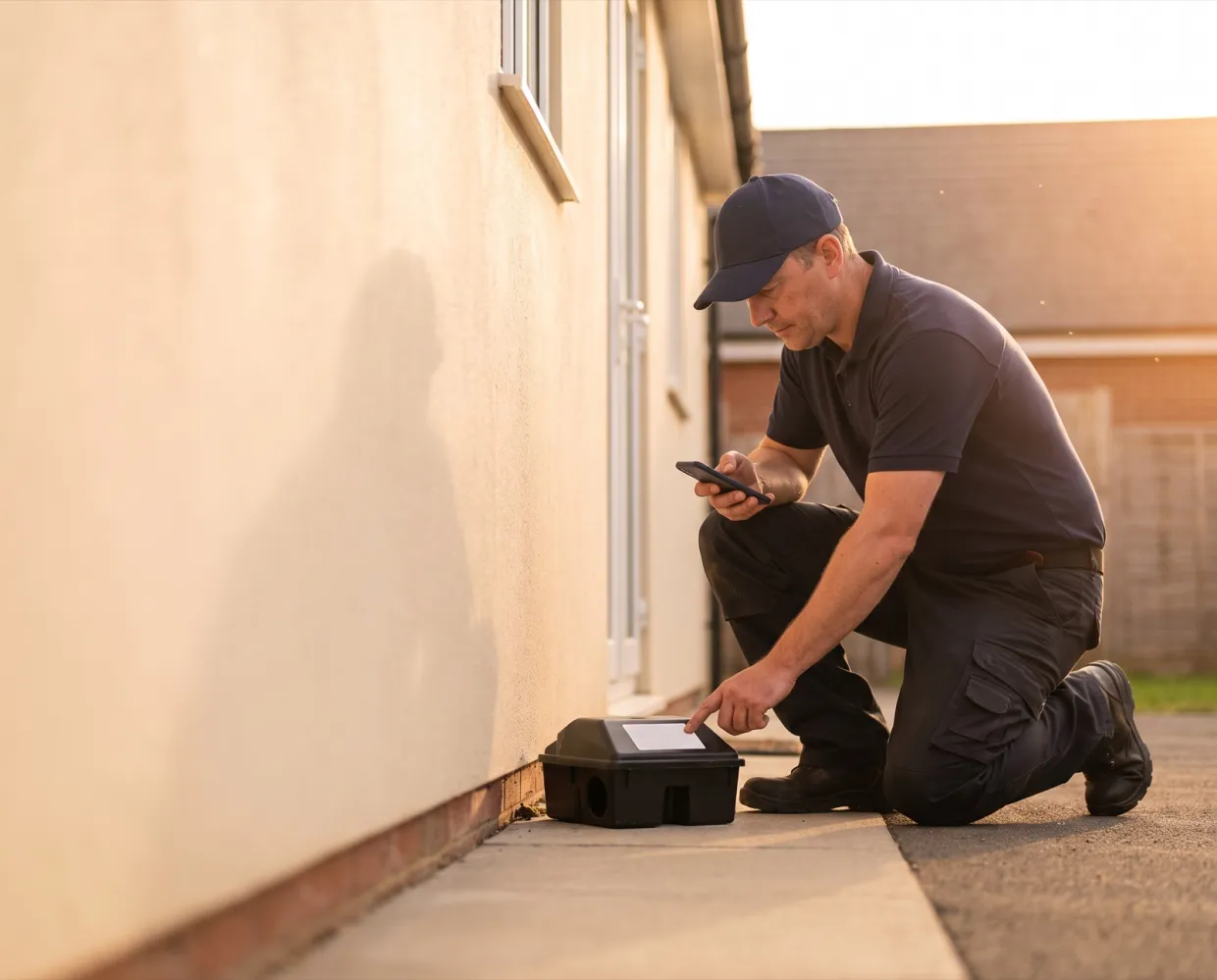
 Device summary, photos and signatures go on the field report


What it handles
Barcode scans confirm the right station; techs record activity, consumption, captures, and damaged or inaccessible devices.
Draw floor plans, set zones from building to room, and place devices on the plan.
Field reports carry device summaries, station listings, pest findings, products, photos, the tech’s signature and the client’s where you require one.
Map your state’s PDF form to Solea fields, add the diagram, and collect signatures on the appointment.
How it works
Build zones and a floor plan, add devices with barcodes, and choose which products each zone allows.
The tech scans each device, even with no signal. Any device left uninspected needs a reason before the visit can close.
The field report goes to the client. Inspection history and pest trend reports show patterns across visits.
The office sets which service types require inspections and which products each zone allows. If a report changes after it’s built, Solea marks it out of date so it can be rebuilt.
What’s included
Scan, verify the device, and flag damaged or inaccessible stations. Unknown barcodes can become new devices on the spot.
Zones from building to room, drawn floor plans, satellite backgrounds, one sheet per floor.
Each device is inspected or marked not inspected with a reason before the visit closes.
Activity by zone, device type and target pest, printable for the logbook or CSV.
Fill mapped PDF forms with a drawing area and signatures. Switched on per office.
Customers see unit and device inspection history and download field reports.
Results
One system
Every part of Solea works from the same live customer record, so nothing is typed twice.
Techs scan devices and log findings in the app.
Learn moreProducts applied per device print on the report.
Learn moreZones, devices and inspection history live on the property.
Learn moreSwitching
Your history comes with you, your office practices on a working account first, and a named person stays with you from start to finish.
Talk to us about switching
“I’ve been through four major migrations in my career, and nobody’s done a migration like Solea.”
FAQ
You’ll talk to people who know how a pest control office actually runs.
Talk to usYes. The field report includes a device summary, zone and station listing, pest findings, products with EPA registration numbers, technician and supervisor license numbers, photos and signatures.
Yes. Techs scan each device’s barcode in the app, which confirms it’s the right station before they log the inspection. They can flag a device as damaged or inaccessible, and any device they skip needs a reason.
Yes, through document templates. Upload your state’s form, map its fields to Solea data, add a drawing area for the diagram, and collect signatures on the appointment. Document templates are switched on per office.
Office staff can edit a report from the web app after the tech checks out, and Solea marks a report out of date when something on it changes, so it can be rebuilt.
Yes. Field reports email to the contact on file, and clients can download reports and see unit and device inspection history in the customer portal once you turn it on.


See a commercial stop from device scan to finished field report on a demo.
OvernightSun 6 PM to Mon 7 AM