Record product and amount fast
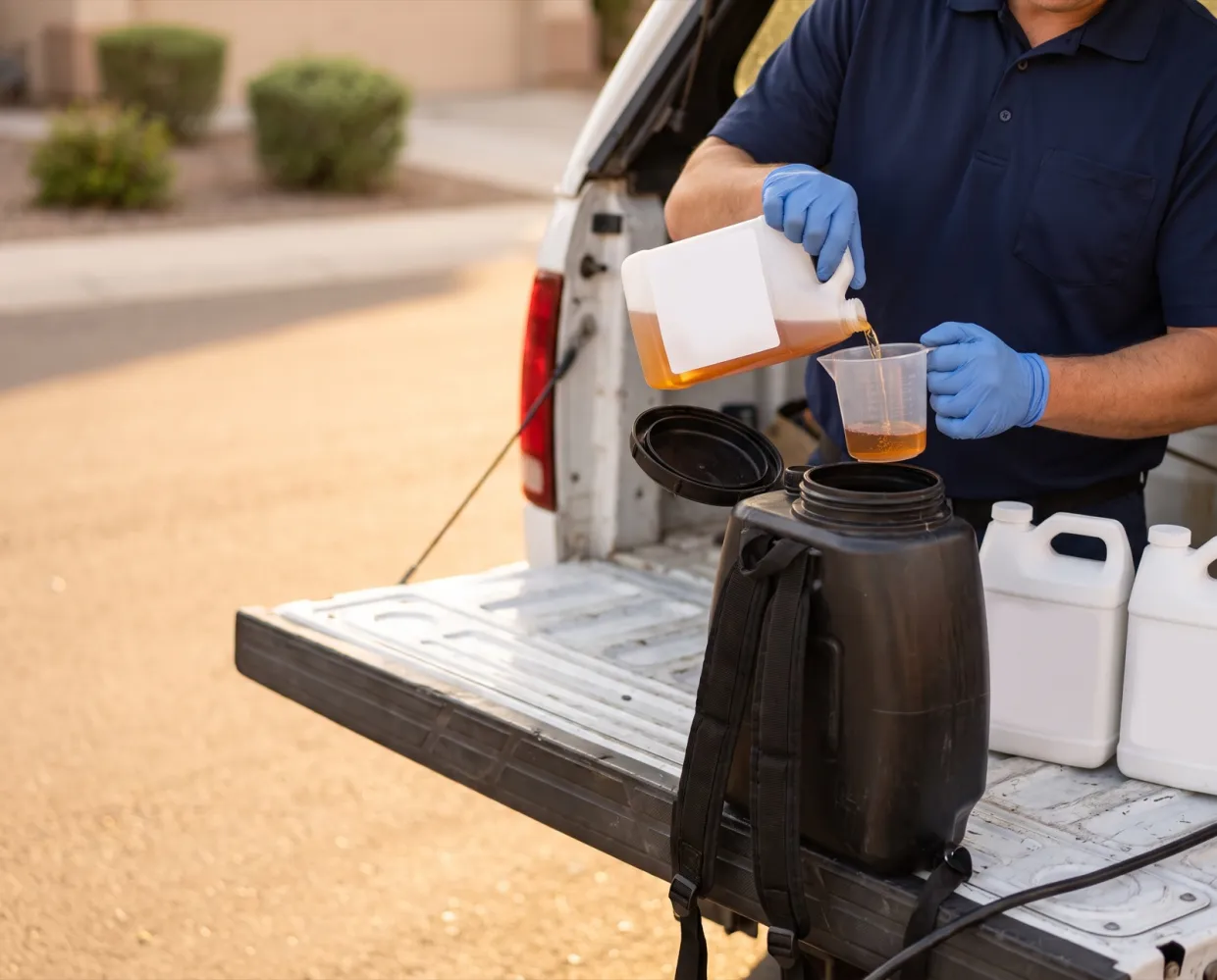
Pick from the office’s product list; dilution rate, total mix and active ingredient in solution are calculated.
Techs pick from your product library and enter amounts. Solea works out the mix, prints EPA numbers on the report, and totals usage by product and active ingredient.
 EPA registration numbers and active ingredients print on the field report




What it handles
Pick from the office’s product list; dilution rate, total mix and active ingredient in solution are calculated.
EPA registration number, active ingredients and, when you track it, the EPA lot print on the field report. Label and SDS links live on each product in your library.
If a tech’s mix is off the product’s expected dilution rate, the app shows a warning comparing the two.
Product Usage and Active Ingredients reports total what was applied, by technician, state or team.
How it works
Add products with EPA numbers, label concentration and default mix rates, then set priority products per service type.
Techs choose the product, amount, method, target pests and areas, at checkout or per device during inspections.
Usage totals by product and active ingredient, with weather and signatures on the field report.
The office owns the product library and can limit which products each device type or zone allows, so techs only pick approved products.
What’s included
Trade name, EPA registration number, active ingredients, label and SDS links.
Enter an EPA registration number and Solea fills in the trade name, manufacturer and active ingredients.
Techs enter the total mix. Solea splits it into concentrate and water, checks the dilution rate and works out the active ingredient applied.
Every application records how it was applied, plus target pests and areas where they apply.
Temperature, wind speed and rain appear on the field report.
Product and active ingredient totals grouped by state, filterable by technician and team.
Results
One system
Every part of Solea works from the same live customer record, so nothing is typed twice.
Switching
Your history comes with you, your office practices on a working account first, and a named person stays with you from start to finish.
Talk to us about switching
“I’ve been through four major migrations in my career, and nobody’s done a migration like Solea.”
FAQ
You’ll talk to people who know how a pest control office actually runs.
Talk to usTechs pick a product from your list and enter the amount or total mix. Solea works out the concentrate, dilution and active ingredient, and each service type can list priority products so the usual ones show first.
Yes. The EPA registration number, active ingredients and, when your office tracks it, the EPA lot print on the field report for every product used. Label and SDS links are kept on each product in your library.
Yes. Every field report lists the products applied, and the Product Usage and Active Ingredients reports total usage for any date range, by technician, state or team.
Yes. Products recorded on a device inspection save with the inspection and sync when signal returns. Completing the visit needs a connection.
Usage reports can be grouped and filtered by state. Ready-to-file state pesticide use report formats are not confirmed, so ask about your state on a demo. To confirm


See a product entry go from pick to printed field report, with the mix math done for you.
OvernightSun 6 PM to Mon 7 AM