Put accounts in the right branch
Solea assigns each account’s branch from the service area map, and the office can override it.
Run every branch in one Solea account. Each customer carries its branch, branch paperwork goes out under that branch, and reports can be grouped by branch.
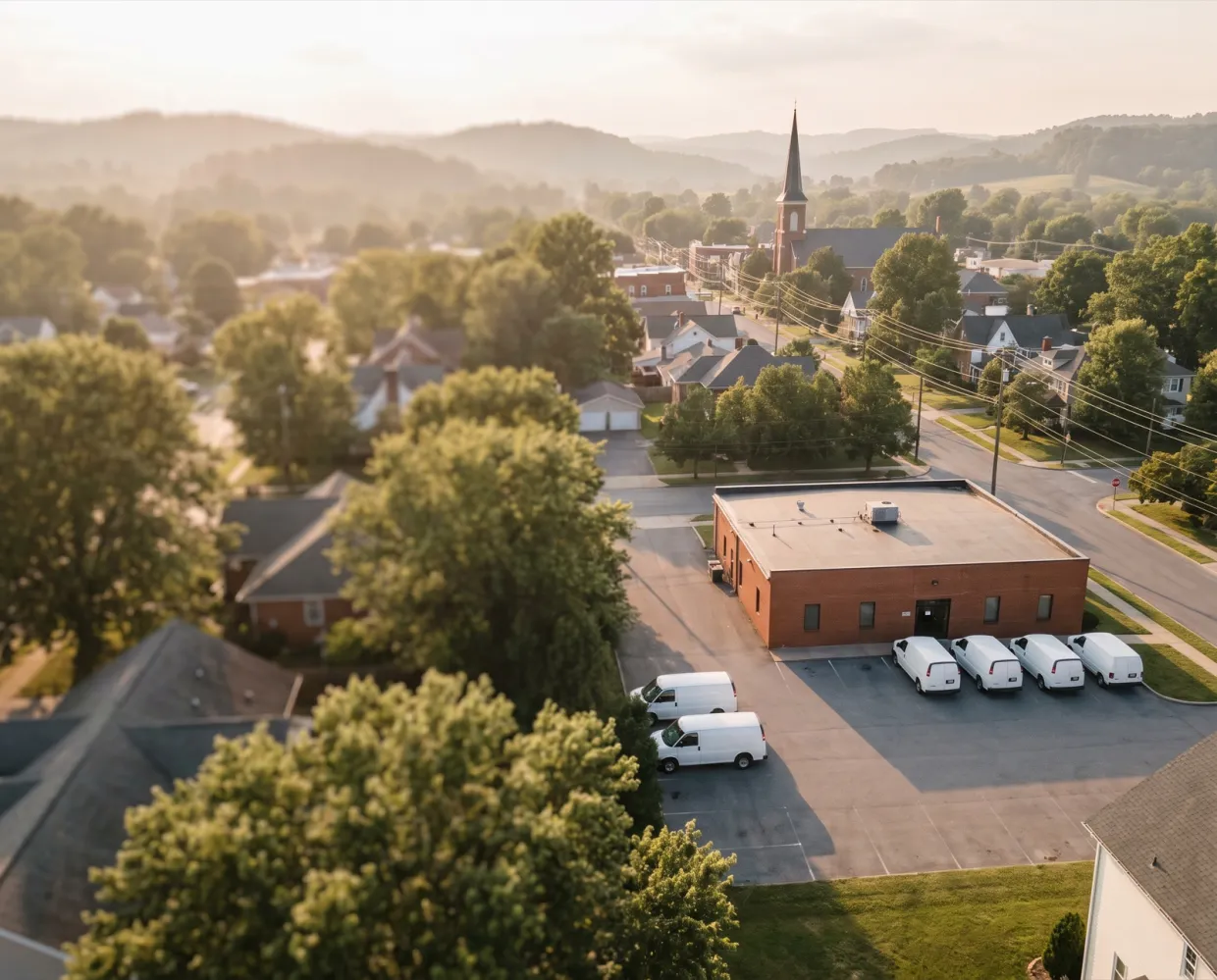
 Assigned from the service area map. The office can set it by hand.





What it handles
Solea assigns each account’s branch from the service area map, and the office can override it.
Branch paperwork goes out under the branch’s details, so customers see the branch they know.
Keep techs strictly in their service areas or treat the areas as a preference, and run optimization for a chosen set of techs.
Group reports by branch, or build a team per branch to give each one its own view.
How it works
Set each branch’s service area on the map. Accounts inside it are assigned automatically.
Give each branch its own details for the paperwork it sends. Solea support sets up your texting number.
Group reports by branch and filter the board and job pool by team, or see every branch together.
Branches come from the address automatically, but the office can reassign any account and choose whether techs are held strictly to their branch.
What’s included
Assigned from service area shapes, with a manual override on the account.
Staff who work in several offices switch between them from the user menu, without signing out.
Documents carry the branch identity; notices can use a branch mailing address.
Hold techs to their service areas, prefer them, or turn it off. One setting for the whole office.
Reports group by branch. The board, job pool and tasks filter by team, so a team per branch gives each branch its own view.
Limit staff to their own branch’s accounts and data.
Results
One system
Every part of Solea works from the same live customer record, so nothing is typed twice.
Switching
Your history comes with you, your office practices on a working account first, and a named person stays with you from start to finish.
Talk to us about switching
“I’ve been through four major migrations in my career, and nobody’s done a migration like Solea.”
FAQ
You’ll talk to people who know how a pest control office actually runs.
Talk to usEach branch carries its own details on the paperwork it sends. Texts go out from your office’s number, which Solea support sets up. Ask about a number per branch on a demo. To confirm
Yes. Reports cover the whole company and can be grouped by branch, and a team per branch gives each branch its own view of the board and job pool. To confirm
Permissions are set per employee and team, and a Permissions view spells out what each person can do. Limiting a user to one branch’s data is not confirmed. To confirm
Yes. Give techs service areas, then choose whether scheduling keeps them strictly inside, treats the areas as a preference, or ignores them. You can also run route optimization for a chosen set of technicians.
All branches run in one system with one live schedule and one set of reports. We have no published multi-branch customer numbers yet, so ask for a reference on a demo. To confirm


See branches, territories and branch-filtered reports in one Solea account on a demo.
OvernightSun 6 PM to Mon 7 AM