Switching from FieldRoutes to Solea: a practical rollout plan
Plan your FieldRoutes-to-Solea move around AI automation, account checks, billing readiness and route rehearsals, with an illustrative launch timeline.
Last updated
Solea is an end-to-end, AI-native pest control platform for operators who want to automate more of their back-office work. If you are moving from FieldRoutes, evaluate the full journey: AI handling appointment requests, automated route planning, technician work, payments and AI-assisted reporting.
Then plan the handoff around the things customers will notice: the right visit on the schedule, accurate records, clear communication and correct billing.
Able Pest Management’s published move from FieldRoutes to Solea provides a concrete example. Its initial data transfer took three days; the complete rollout included payment preparation, training and launch checks before go-live on July 27, 2026.
Start with the operating day you want
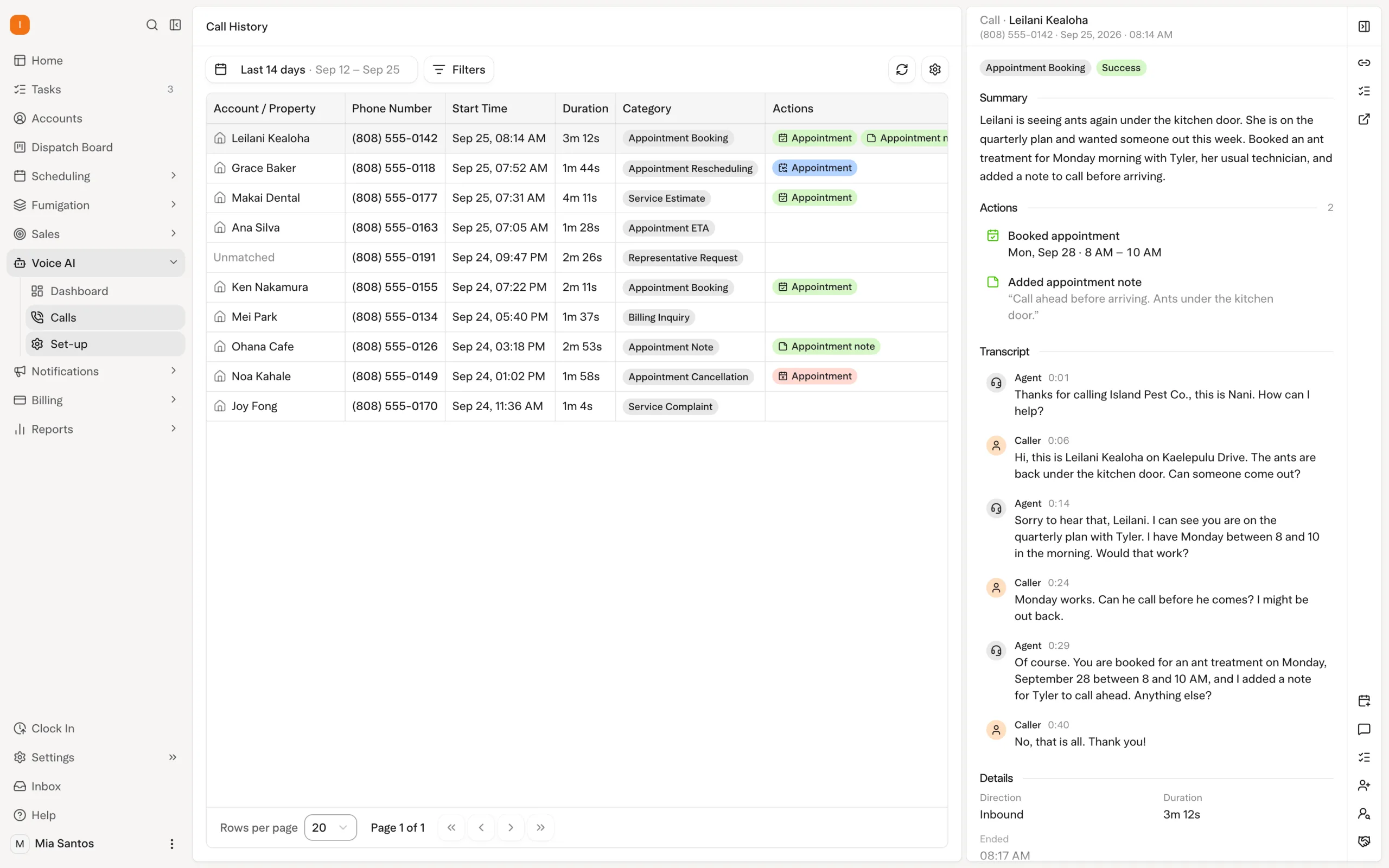
Choose a representative day from your FieldRoutes schedule. Include a recurring visit, a customer requesting a change, a job requiring a specific technician skill and an account that needs payment follow-up.
Walk that day through Solea. The objective is to see the office work AI and automation will take over.
| Workflow | What to demonstrate in Solea |
|---|---|
| A customer calls to change a visit | The AI voice agent handles an enabled rescheduling request within scheduling and account rules. |
| Upcoming appointments need routes | Overnight optimization applies shifts, skills, customer constraints and drive times. |
| The technician completes service | Field records and the applicable payment-on-file workflow carry the visit through completion. |
| An invoice becomes overdue | Configured reminders follow up with the customer and can include a payment link. |
| A manager reviews performance | AI-assisted reporting is demonstrated against the questions the team uses to run the business. |
FieldRoutes documents routing and mobile field tools of its own. Compare the actual steps in your workflow, including what staff do and what each system completes automatically. See the Solea and FieldRoutes comparison.
What Able’s FieldRoutes move shows
Able Pest Management serves Oahu with approximately seven technicians. Its case study describes bringing scheduling, routing, payments and collections into Solea after working with multiple providers.
The initial transfer included customers, properties, subscriptions, contracts and service history. Able continued operating in FieldRoutes while Solea prepared the new setup and brought over changes before launch.
| Stage in Able’s rollout | Published example |
|---|---|
| Initial data transfer | Three days to transfer the listed records from FieldRoutes. |
| Payment preparation | Approximately 30 days to move saved cards to Stripe while the existing billing setup remained in use. |
| Training | Online sessions by role, starting in June, with practice tasks in a test account. |
| Acceptance checks | Both teams reviewed imported data and the first two weeks of appointments. |
| Route preparation | Nearly 1,000 appointments across 174 technician shifts planned for the next 30 days before launch. |
| Go-live | A final sync on July 27, followed by the team working on Solea routes. |
After the switch, Able’s first full month on Solea recorded 29% less drive time per appointment than the same month a year earlier, with almost unchanged appointment volume. This is Able’s result as published by Solea, not a guaranteed result for another operator.
Read Able’s complete FieldRoutes migration story.
Work backward from an example launch date
Suppose your team chooses November 16, 2026 as its target go-live. The six-week plan below is a fictional planning example, not Solea’s standard implementation duration or a delivery commitment. Agree on the real dates with your implementation lead and payment processor before committing to launch.
| Target checkpoint | What to have ready |
|---|---|
| October 5 · Six weeks before | Name the migration owners, agree on record scope and review existing contract obligations. Connect Stripe and confirm the saved-payment transfer process early. |
| October 19 · Four weeks before | Review the initial imported records against sample accounts. Check recurring services, balances and history, and identify anything that needs correction. |
| October 26 · Three weeks before | Train the office and technicians on representative work. Configure and rehearse the AI voice agent’s enabled actions, scheduling rules, payment automation and reminders. Include a walkthrough of AI-assisted reporting. |
| November 2 · Two weeks before | Rehearse a real service week. Review routes, locked visits, technician skills, field records and billing. Confirm payment-transfer progress and assign unresolved issues to an owner. |
| November 9 · One week before | Make the go/no-go decision. Require accepted data, a ready billing setup, trained staff and an agreed final-update process. Move the launch if a customer-critical dependency is unresolved. |
| November 16 · Launch day | Complete the agreed final updates and checks. Make it explicit where new bookings and payments belong, then start the team on the approved schedule. |
| November 17–23 · First week live | Review route exceptions, completed visits, charges and customer messages with the agreed support contact. Correct configuration issues and review how the automation is working. |
Keep FieldRoutes operating under the agreed transition plan until the handoff is ready. A calendar date alone should never trigger the switch: saved-payment transfers, data corrections or team readiness may require a different schedule.
Build a record checklist before the transfer
A useful checklist goes beyond the number of customers. Pick accounts that reveal how your business actually works.
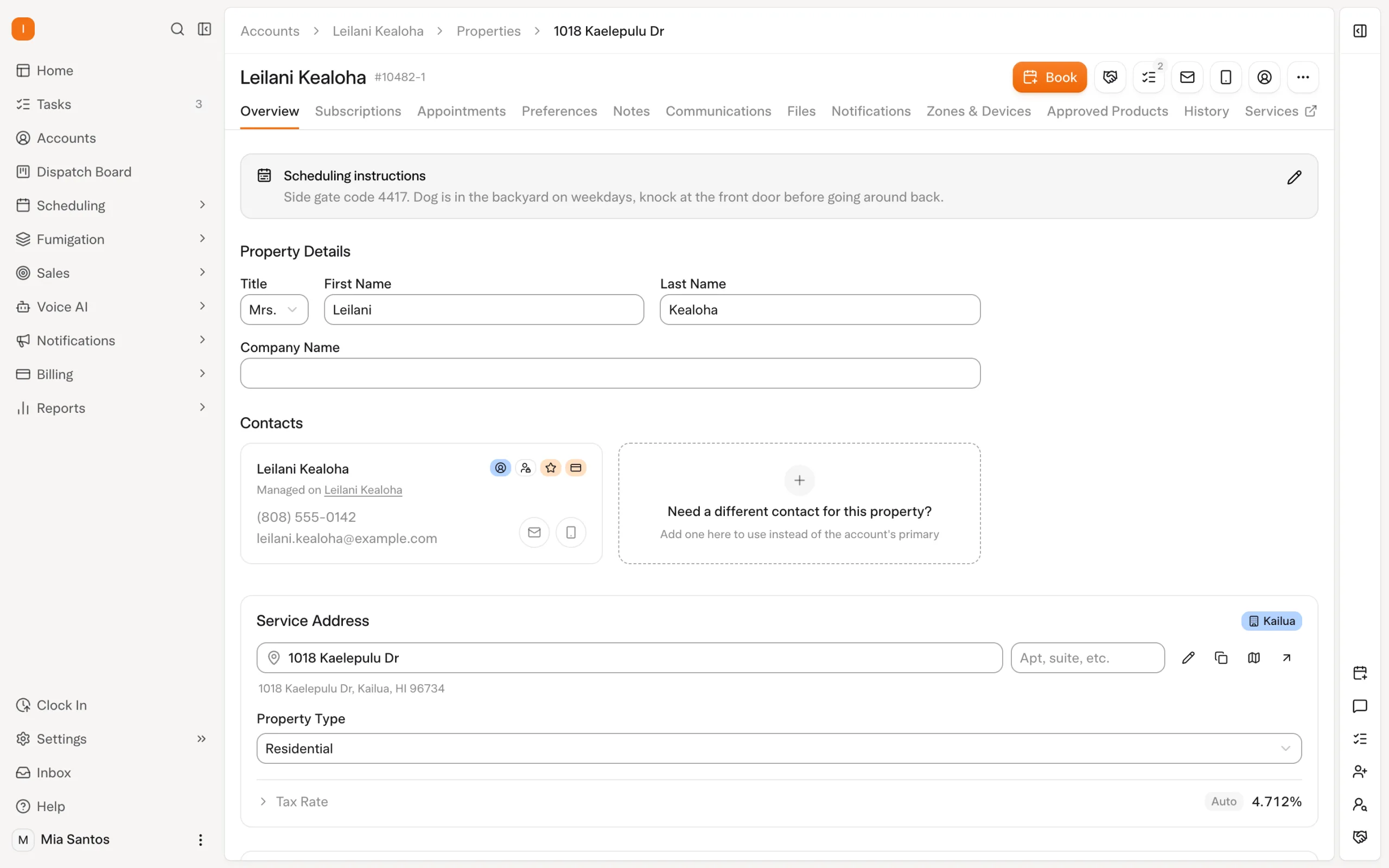
For a recurring residential customer, check the property, service frequency, upcoming appointment and billing arrangement. For a commercial customer, add devices, inspection requirements and the report the customer expects. Include an account with an open balance and a property with important treatment history.
Agree on how those records map into Solea. Confirm attachments, notes and specialized documents individually rather than assuming a general service-history transfer covers every item.
Keep the review focused on what staff need to serve the account correctly after launch. Review the broader switching checklist.
Give billing its own readiness check
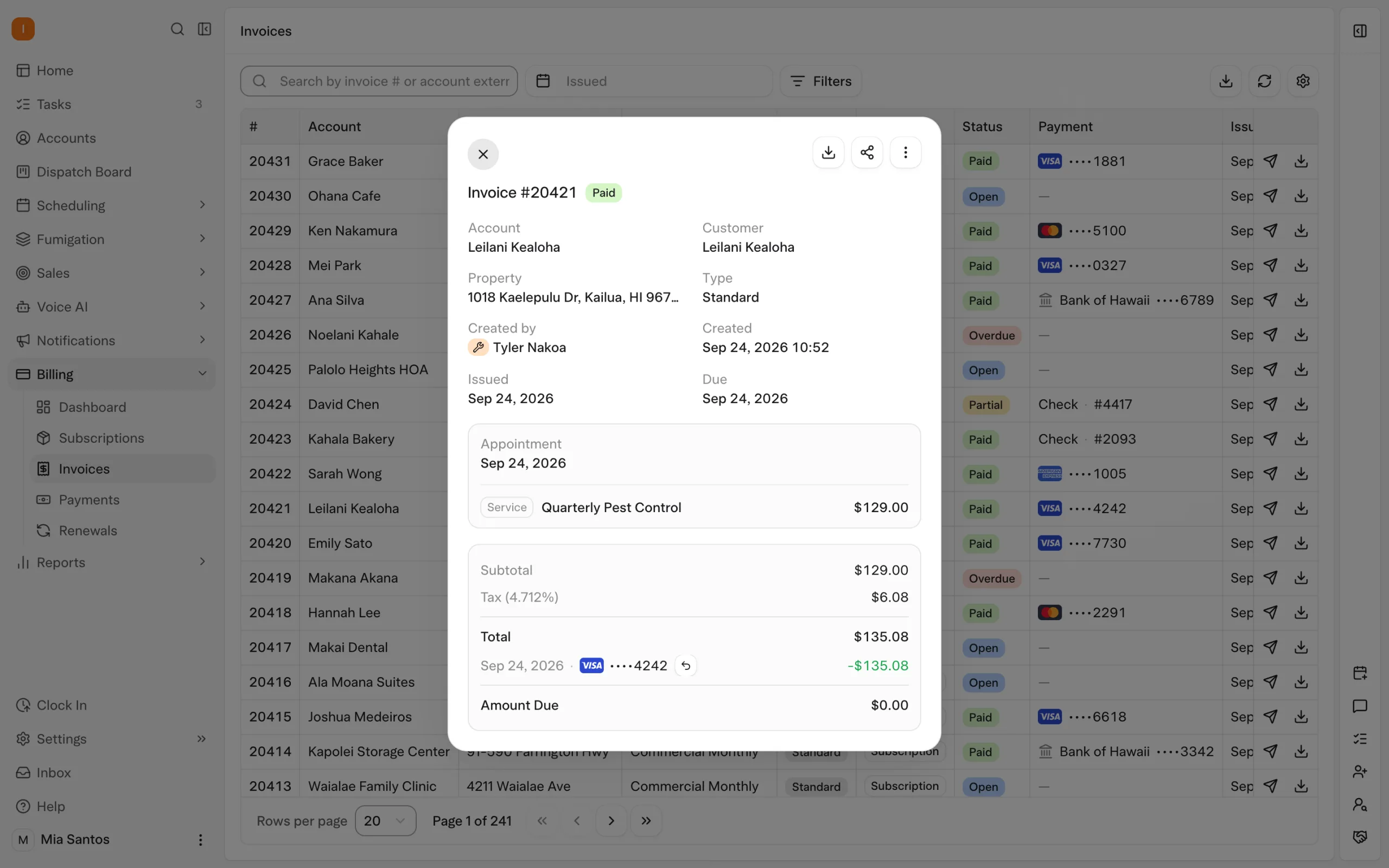
A customer record being present does not establish that its saved payment method is ready.
Solea uses Stripe. Its implementation lead begins the billing migration after the Stripe account is connected. Agree on the saved-payment transfer process and the point when the new system will take over collection.
Before launch, verify a recurring account’s next charge, an account with an unpaid invoice and the configured receipt and overdue-reminder messages. Identify who will investigate differences in balances or billing setup.
Once configured, payment automation can take repeated charges and follow-up tasks off the office’s plate. The readiness check makes sure that automation starts with the intended account setup. Explore billing and payments.
Rehearse the schedule before launch morning
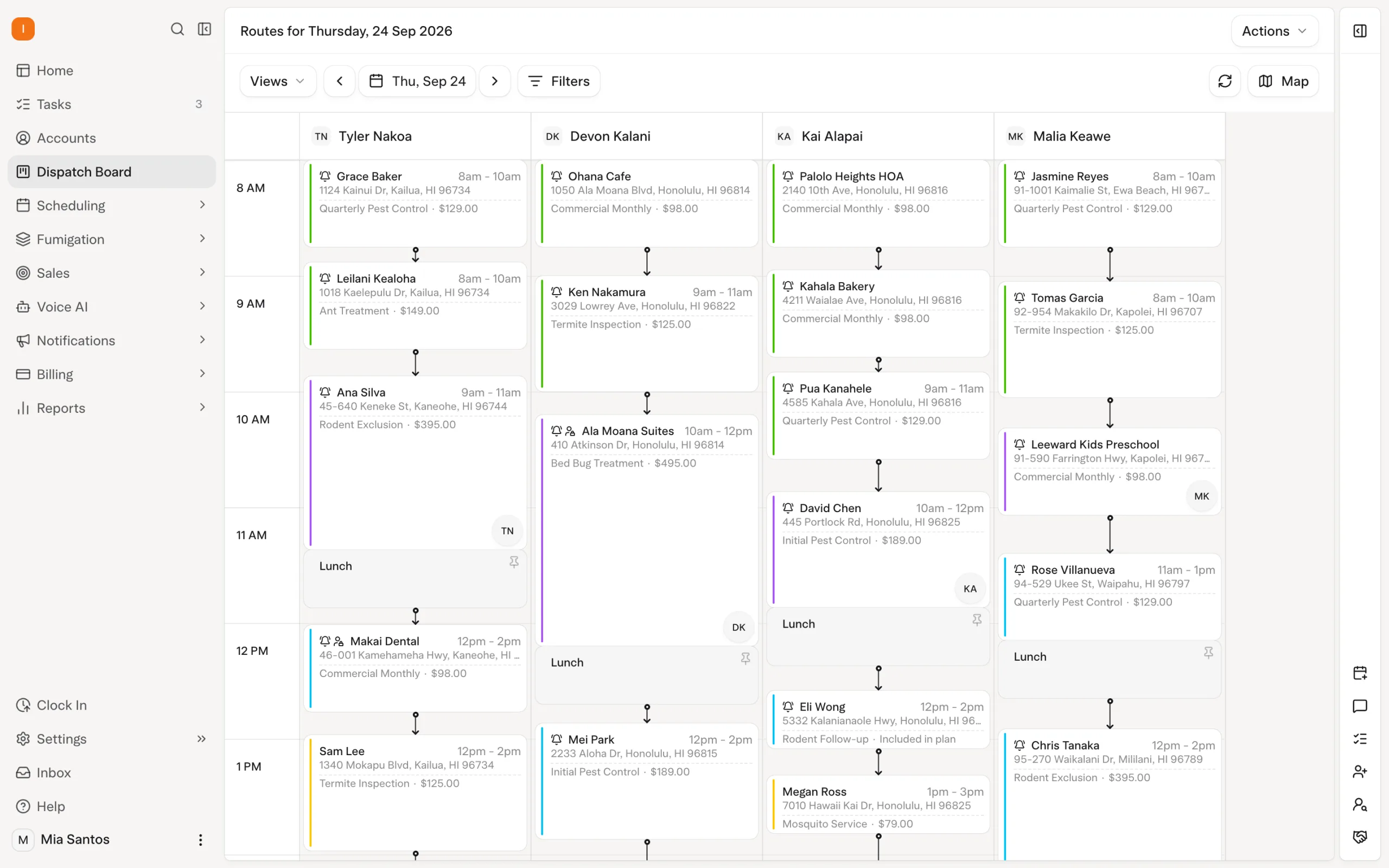
Use a real week of work to test the operating rules Solea’s AI scheduler will follow: technician shifts, required skills, customer constraints and appointments that need to stay fixed.
Solea’s overnight optimization runs at 3 a.m. office time and can look up to 45 days ahead. Locks and the freeze window constrain what it can move. A dry run lets the team review an optimization before starting a separate live run.
Have the office work through an appointment request and change as well. Test the AI voice agent’s enabled actions and the handoff rules for calls that need a person.
This gives the team practical experience with the automation before it becomes part of the working day. Explore AI scheduling and the voice agent.
Make the final handoff explicit
Before cutover, agree on the final data-update process, the launch schedule and who owns each exception.
The office should know where to book a new visit, where to look up service history and which system is responsible for billing. Technicians should know how to access their work and record the completed service. Name the contact for an issue that could affect a customer’s visit or payment.
Able’s launch included a final sync and early check-ins with the office. Use its example to ask concrete questions about your own support plan, rather than treating its exact sequence as a standard package.
The outcome you are aiming for is a working operation with AI taking on routine administration and your team free to concentrate on customers.
Frequently asked questions
- Can Solea replace FieldRoutes entirely?
- Solea is an end-to-end platform covering customer communication, scheduling, field workflows, payments and reporting. Evaluate the full set of workflows your operation needs, including the tasks you want AI to automate. Confirm the product fit and migration scope before setting a cutover date.
- What data moves over when leaving FieldRoutes for Solea?
- Able’s published migration included customers, properties, subscriptions, contracts and service history. For your own move, agree on the exact mapping, including balances, treatment records, attachments and specialized inspection information. Validate representative accounts after transfer.
- Do we run FieldRoutes and Solea in parallel?
- Able kept operating in FieldRoutes while Solea prepared its data, training and payment setup, with further syncs before launch. Establish your own transition arrangement explicitly, including where new bookings and payments belong and how changes reach the new system.
- What about chemical and EPA history?
- Bring sample historical application records and identify the fields your team needs to retrieve. Confirm the transfer mapping and check the results against representative properties. Solea’s ongoing chemical-tracking workflow includes EPA product lookup, application records and supporting calculations. Explore chemical tracking.
- What about WDO and commercial accounts?
- Include a representative commercial property, device program and any WDO-specific documents in the evaluation. Demonstrate the inspection and report workflow, then agree separately on historical-record mapping. Review WDO and termite inspection workflows.
- How long does a FieldRoutes migration take?
- Able’s initial data transfer took three days, while its full rollout ran from late May to July 27, 2026. Your timeline should account for data scope, payments, training and acceptance checks. The published case is an example, not a universal deadline.
- Who owns the migration on Solea’s side?
- Solea’s billing-setup documentation identifies an implementation lead. Confirm that person’s responsibilities and the support plan for your rollout. Name an owner on your side as well, with scheduling and billing staff involved in the checks.
- How do we get a plan and quote for leaving FieldRoutes?
- Book a migration walkthrough with your crew size, service mix, existing workflows and sample accounts. Agree on product and migration requirements, then request a quote covering the platform, implementation and payment-processing terms.


 Overnight