Signed contract, inactive subscription? A pest control activation checklist
Check what keeps a signed pest control contract from becoming an active subscription, including required payment setup and the first-visit handoff.
Last updated
A signed pest control contract does not always mean the subscription is active. In Solea, sending a contract can establish a draft subscription, and signing can activate it. If the agreement requires a payment method and the customer has not provided one, that missing setup can prevent activation.
For the office, the important question is precise: what still needs to happen before this customer is ready for recurring service? This guide covers that contract-to-activation handoff. For the ongoing relationship after setup, see managing recurring pest control customers.
What does a signature tell the office?
A signature establishes that the customer signed the agreement. It does not, on its own, establish that payment setup is complete, the subscription is active or the first appointment is confirmed. Check those states separately rather than treating a signed document as the end of onboarding.
Solea estimates and invoices connects the agreement to the service setup. That is an important starting point for its AI-native operation: clear service and customer requirements let scheduling and back-office automation work from the arrangement the customer actually accepted.
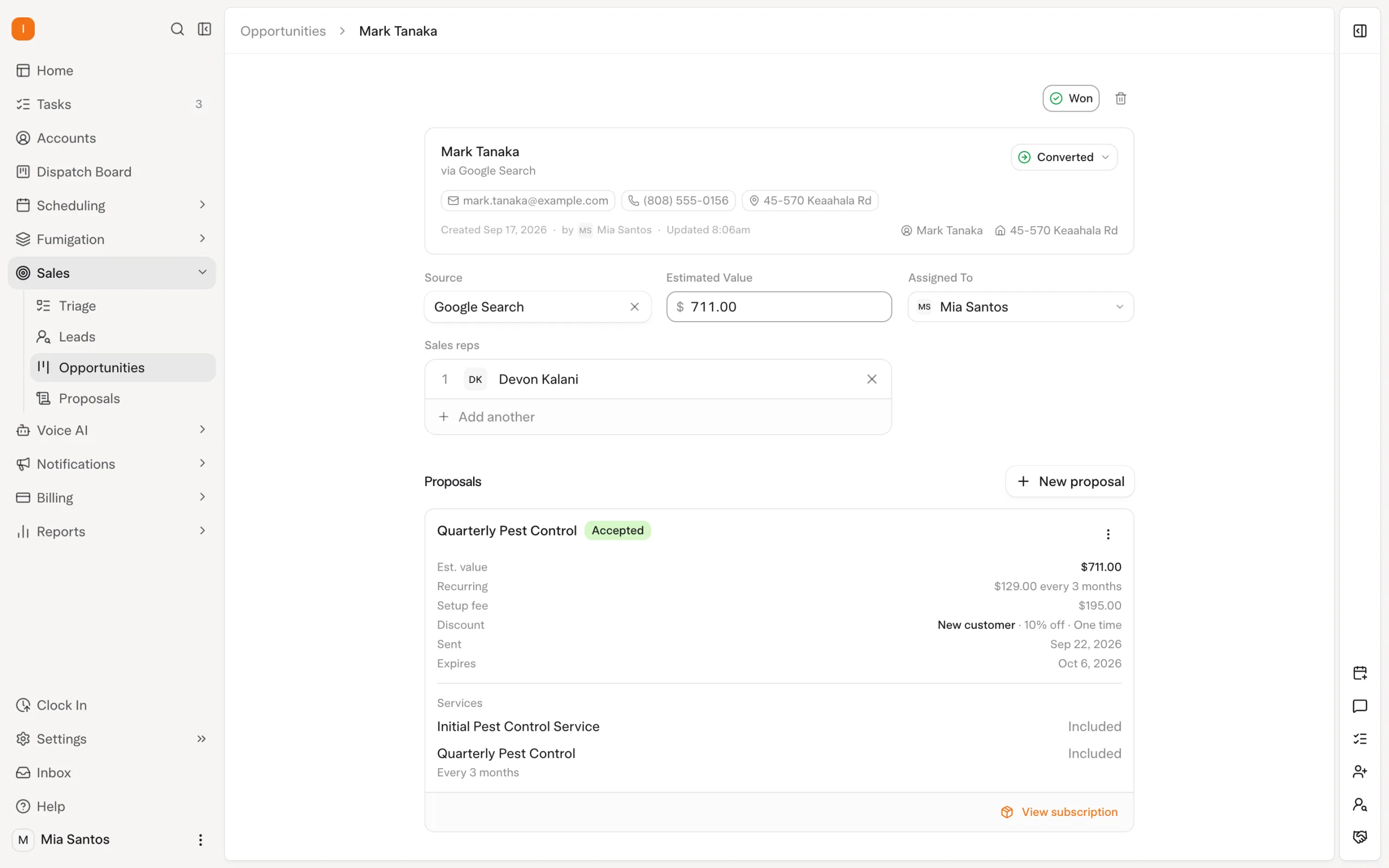
The screenshot shows an opportunity and accepted proposal. Use the subscription itself to verify activation; an opportunity label is not a substitute for that check.
What should you check before sending the contract?
Confirm the customer, service property and terms before sending. Then establish whether a payment method is required for activation. This avoids asking the customer to complete a workflow that the office cannot explain.
| Check | What the office should establish |
|---|---|
| Customer and property | The agreement applies to the correct customer and service address. |
| Service arrangement | The service and agreed frequency match what was sold. |
| Payment requirement | The team knows whether a payment method is required before activation. |
| Billing cadence | Billing follows the agreed arrangement, which may differ from the service cadence. |
| Follow-up owner | A person owns any agreement that remains incomplete. |
These are operating checks, not a claim that AI chooses contract terms or authorizes payments. The customer agrees to the commercial arrangement; the platform carries the configured workflow forward.
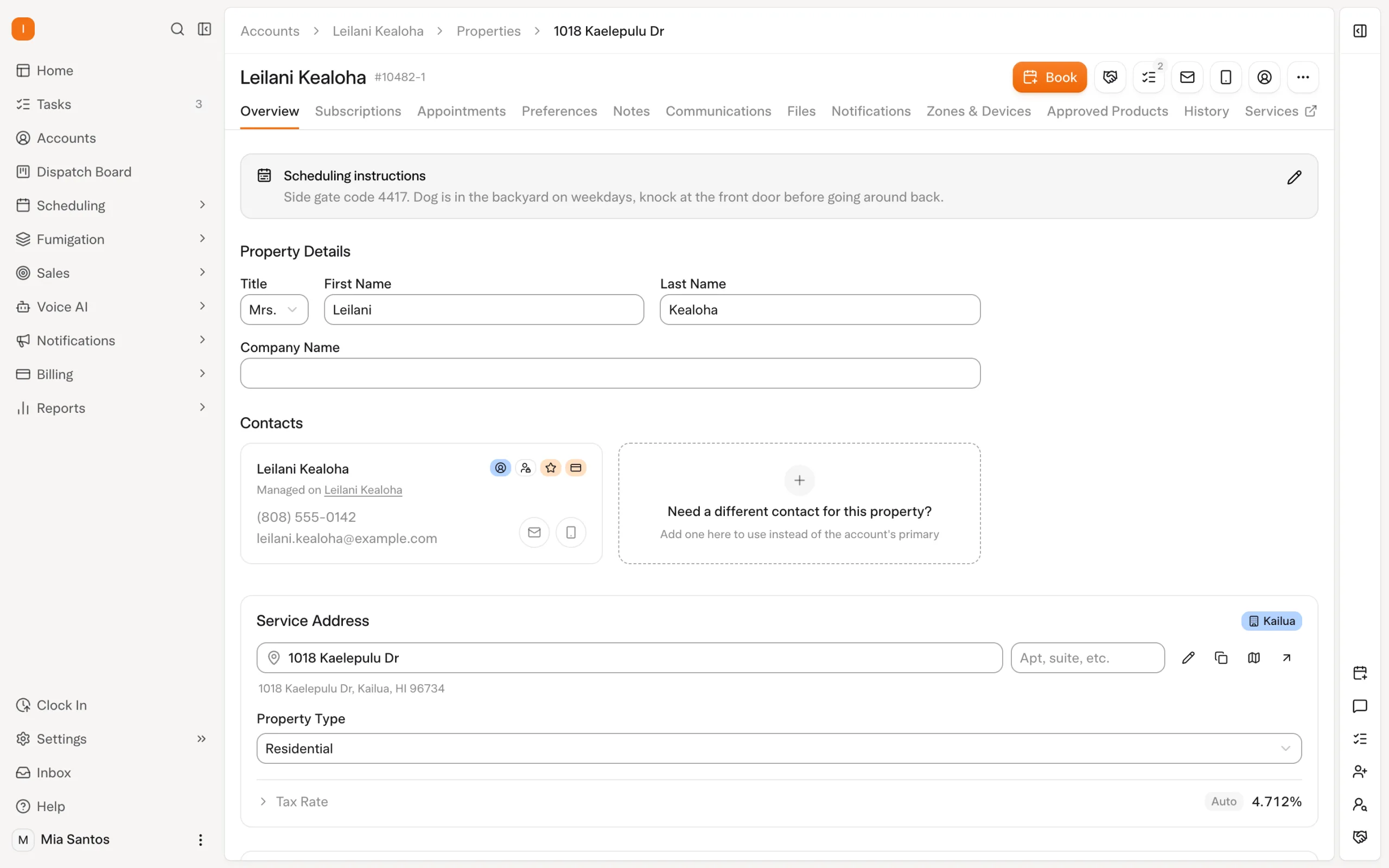
What happens if the customer signs but skips the payment method?
Consider a fictional customer accepting quarterly pest service. Their agreement requires a payment method before activation. They sign, but skip entering the payment information. The signature and missing setup can coexist; the office should verify the subscription state and help complete the outstanding requirement.
Do not promise that signing alone has confirmed a first visit. Equally, do not remove the payment requirement simply to make the record look complete. First establish what the agreement requires and what the customer has actually completed.
The practical follow-up is specific: explain the remaining setup and provide the appropriate next step. Avoid a generic “please sign” reminder when the customer has already signed. This is a recommended office process, not a claim that Solea automatically diagnoses and sends every possible activation follow-up.
How is activation different from billing and scheduling?
Activation, invoicing, payment and appointment confirmation are separate milestones. In Solea, per-appointment billing follows completion, while recurring billing uses its configured date independently of a particular visit. Service frequency should therefore not be used to infer when an invoice will appear.
| Milestone | What it does not establish by itself |
|---|---|
| Contract sent | The customer has signed. |
| Contract signed | Every required activation condition is complete. |
| Subscription active | A particular first appointment has been confirmed. |
| Invoice created | Payment has been collected. |
Once the setup is correct, Solea's AI scheduling can organize eligible work within configured requirements. Payments, collections and AI-assisted reporting continue the wider back-office workflow. The benefit is a connected process, with staff resolving the specific exceptions that need judgment instead of recreating the customer arrangement in separate systems.
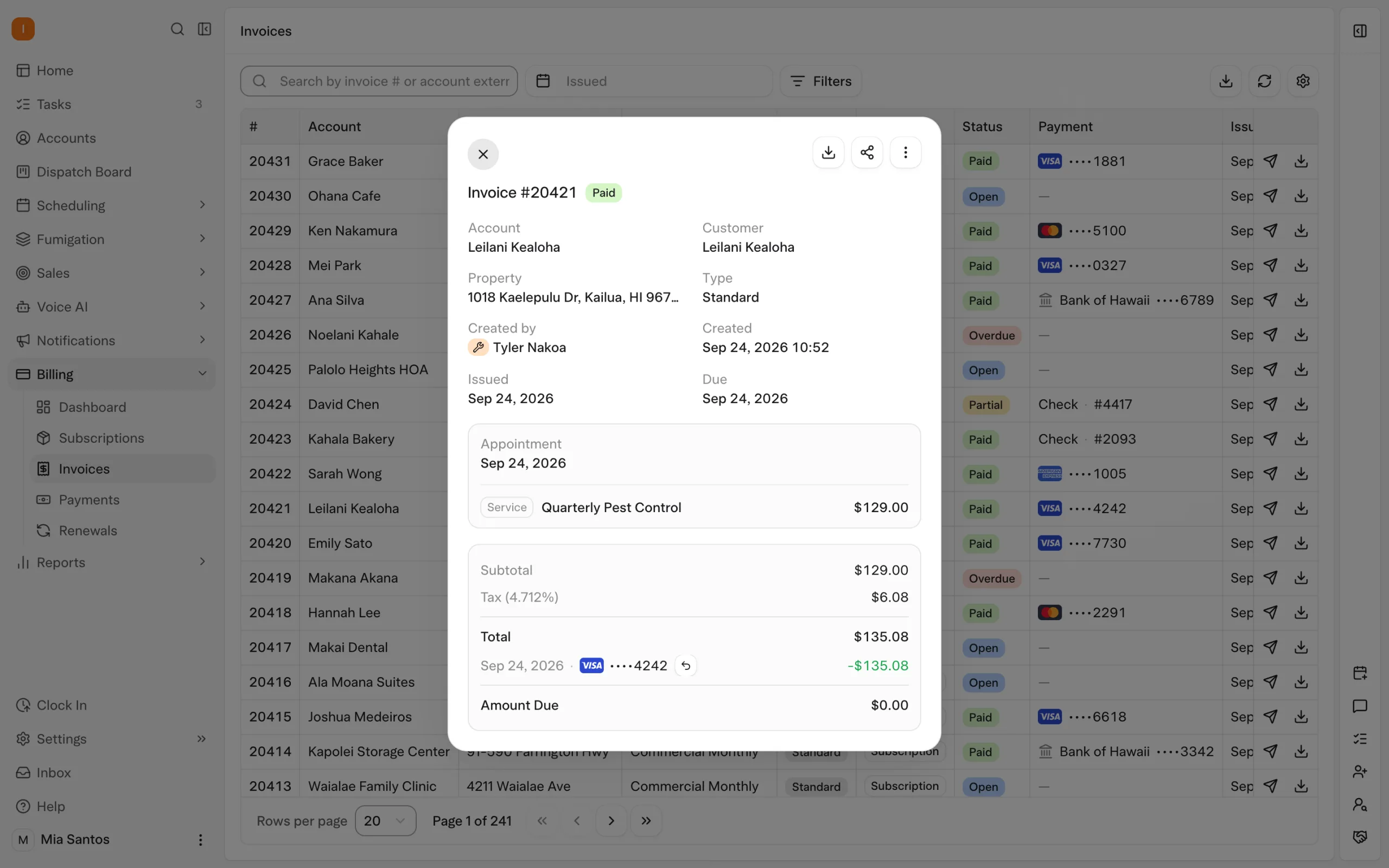
For the detailed financial workflow after service, use the existing CRM payments and collections guide.
How should you test the handoff before rollout?
Walk through two sample agreements with your implementation team: one where the customer completes every required step, and one where they sign but leave a required payment method missing. Inspect the subscription state in each case. Then confirm what the office does next and what the customer sees.
Have the team explain the result without relying on a salesperson's opportunity status. Record who follows up, what requirement remains and when the case is considered resolved. This is a small acceptance test with a clear outcome: the office can distinguish a signed agreement from a service-ready customer.
Book a Solea demonstration using your contract and activation requirements, or request a quote for your operation.
Frequently asked questions
- Does a signed Solea contract always activate the subscription?
- No. Signing can activate the subscription, but a required payment method that has not been provided can prevent activation. Check the subscription state and the agreement's requirements rather than treating the signature as proof that setup is complete.
- Can a subscription exist before the customer signs?
- Solea's contract workflow can establish a draft subscription when the contract is sent. That draft is part of the setup process. Its existence does not mean that the customer has completed the agreement or that the ongoing service is active.
- What should we do when the customer has signed but activation is incomplete?
- Check the outstanding requirement first, including whether a required payment method is missing. Assign an owner to help the customer complete the appropriate step. Avoid sending a signing reminder when the signature is already present, and verify the resulting subscription state before closing the follow-up.
- Does subscription activation confirm the first appointment?
- Activation and appointment confirmation are different milestones. Check the actual appointment and customer communication separately. Technician eligibility, availability and customer constraints still matter when scheduling the first service, even after the subscription setup is complete.
- Does AI choose the customer's contract or payment terms?
- This guide does not claim that AI sets commercial terms or provides payment authorization. Your team configures the arrangement and the customer completes the required agreement and payment steps. Solea's AI-native platform connects that setup to scheduling and the subsequent back-office workflow.


 Overnight